

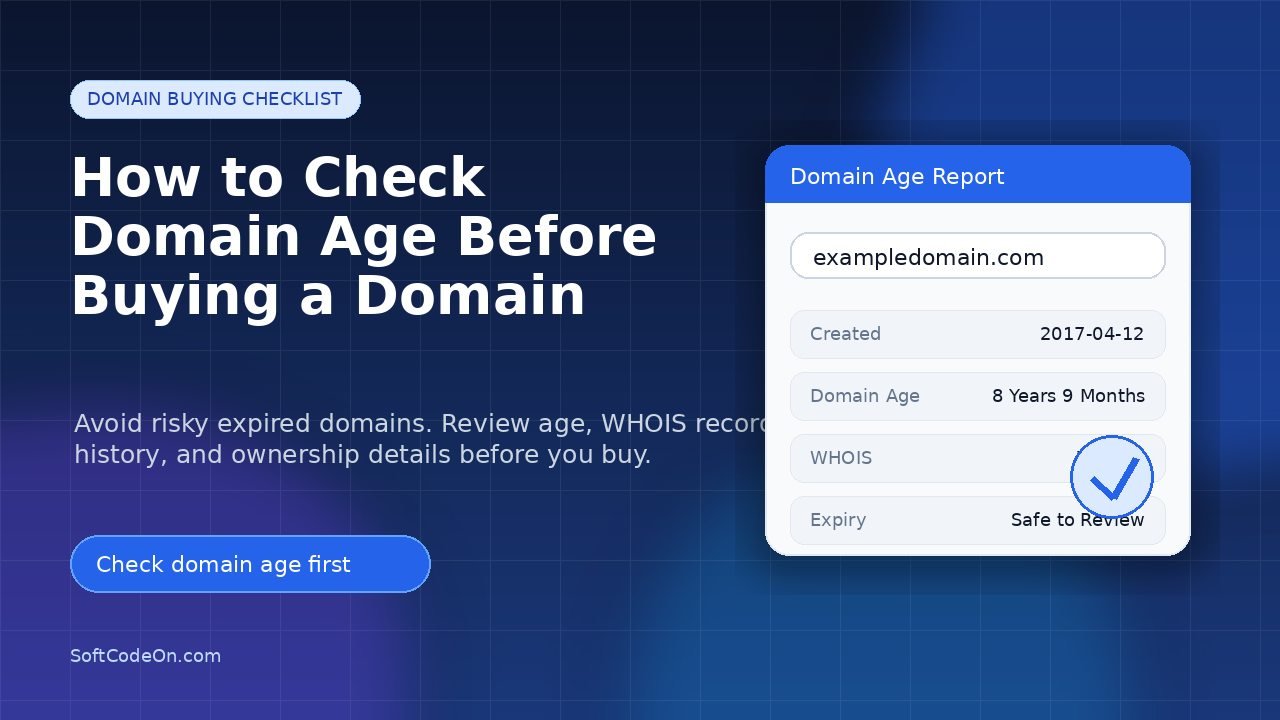
Buying a domain name looks simple, but choosing the wrong domain can create problems later. A domain may look clean from the outside, but its past history, age, ownership record, and previous usage can affect how trustworthy it appears to search engines and users. That is why checking domain age before buying a domain is an important step, especially if you are planning to use the domain for a blog, business website, affiliate site, SaaS project, or online brand.
Domain age does not automatically guarantee higher rankings, but it can help you understand how long a domain has existed and whether it has been active for a meaningful period of time. Before buying any aged, expired, or existing domain, you should check its age, registration details, expiry date, ownership information, and basic domain history. You can start by using our free Domain Age Checker to quickly check when a domain was created and how old it is.
What Is Domain Age?
Domain age means the length of time since a domain name was first registered. For example, if a domain was registered in 2018 and the current year is 2026, the domain is around 8 years old. This basic information helps you understand whether a domain is newly registered, moderately aged, or old enough to have some previous history online.
However, domain age alone is not enough. A 10-year-old domain with spammy history can be risky, while a newer domain with a clean brand name and good content plan can still perform well. The goal is not just to find an old domain. The goal is to find a clean, relevant, and safe domain that fits your project.
Why Should You Check Domain Age Before Buying?
Checking domain age before buying helps you avoid unnecessary risk. Many people buy expired domains only because they look old, but they do not check whether the domain was used for spam, low-quality content, adult content, fake products, or unrelated niches in the past. Later, they struggle with indexing, trust, branding, and SEO performance.
A quick domain age check can help you answer important questions like:
- When was the domain first registered?
- Is the domain newly created or aged?
- Does the domain have a long-term registration record?
- Is the domain close to expiry?
- Does the domain look suitable for a serious website or brand?
If you are comparing multiple domains, checking their age can also help you shortlist better options. You can use the Domain Age Checker tool to review domain age quickly before making a final decision.
How to Check Domain Age Before Buying a Domain
The easiest way to check domain age is to use an online domain age checker. You simply enter the domain name, and the tool shows useful details such as creation date, domain age, updated date, and sometimes expiry-related information depending on the available records.
Step 1: Enter the Domain Name
First, copy the domain name you are planning to buy. Make sure you enter the correct domain without extra spaces or spelling mistakes. For example, use a clean format like:
- example.com
- yourbrand.net
- businessname.org
Then paste it into our free Domain Age Checker.
Step 2: Check the Creation Date
The creation date shows when the domain was first registered. This is the main detail used to calculate domain age. If the creation date is very recent, the domain is new. If it was registered several years ago, it is considered an aged domain.
For example, a domain created in 2016 has more age than a domain created in 2025. But again, age is only one signal. You still need to check whether the domain has a clean history and relevant usage.
Step 3: Review the Expiry Date
The expiry date tells you when the domain registration will end if it is not renewed. If a domain is close to expiry, confirm with the seller whether renewal is included or whether you will need to renew it yourself after purchase.
This matters because sometimes people buy domains without checking renewal status and then face extra cost or ownership issues later.
Step 4: Check WHOIS Information
Domain age gives you the timeline, but WHOIS details help you understand the registration record. You can use our WHOIS Lookup tool to check domain ownership-related information, registrar details, nameservers, and public domain records.
WHOIS data can help you confirm whether the domain is registered properly, which registrar manages it, and whether the domain details look consistent. Some ownership details may be hidden because of privacy protection, but registrar and nameserver information can still be useful.
Step 5: Check the Domain’s Past Usage
Before buying an aged domain, always check what type of website existed on that domain before. If the domain was previously used for a similar niche, that can be a positive sign. But if it was used for spam, adult content, gambling, fake downloads, low-quality auto-generated pages, or completely unrelated content, you should be careful.
A domain’s past usage can affect trust. Even if the domain looks good today, its previous history may still create problems if it was used badly.
Is an Older Domain Always Better?
No, an older domain is not always better. Many beginners think an old domain will automatically rank faster, but that is not always true. Search engines care about quality, relevance, trust, content, backlinks, technical health, and user experience. Domain age can be useful information, but it should not be the only reason to buy a domain.
A clean 2-year-old domain can be better than a 12-year-old domain with spammy backlinks and a bad history. Similarly, a fresh domain with a strong brand name can perform well if you build it properly with helpful content and good SEO.
What to Check Before Buying an Aged Domain
If you are buying an existing or expired domain, do not rely only on the seller’s words. Check the domain yourself. Here are the main things you should review:
- Domain age: Check when the domain was first registered.
- WHOIS record: Review registrar, registration, and nameserver information.
- Past content: Check what type of website was previously hosted on the domain.
- Backlink quality: Avoid domains with spammy or irrelevant backlinks.
- Brand relevance: Make sure the domain name fits your niche or business.
- Trademark risk: Avoid domains that may violate another brand’s name.
- Indexing status: Check whether the domain appears normally in search results.
- Renewal cost: Confirm the renewal fee before buying.
When Should You Avoid Buying a Domain?
You should avoid buying a domain if it looks risky, even if it is old. A low-quality aged domain can waste your time and money. Be careful if you notice any of these warning signs:
- The domain was used for spam or suspicious content.
- The domain name includes another company’s trademark.
- The domain has irrelevant or low-quality backlinks.
- The domain was used in multiple unrelated niches again and again.
- The seller cannot provide clear ownership or transfer details.
- The domain has an unnatural name that does not match your project.
If you feel unsure, it is better to skip the domain and choose a cleaner option. A good domain should make your project easier, not create hidden problems.
Domain Age vs Domain Authority: What Is the Difference?
Domain age and domain authority are different concepts. Domain age simply tells you how long a domain has existed. Domain authority, on the other hand, is a third-party metric used by SEO tools to estimate the strength of a domain based on backlinks and other signals.
A domain can be old but weak. It can also be new but growing quickly with high-quality content and natural backlinks. That is why you should check both the age and overall quality before buying.
Can Domain Age Help SEO?
Domain age can support trust when the domain has a clean history, relevant content, and good signals. But it is not a shortcut. You still need useful content, proper internal linking, fast pages, clear structure, and a good user experience.
If you are starting a blog or online business, focus on building helpful pages around your topic. For example, if you are building a blogging website, you should create content that answers real questions from users. If you are creating a business website, make your service pages clear and trustworthy.
Best Way to Check Domain Age Quickly
The fastest way is to use a simple domain age checking tool. Instead of manually searching registration records, you can enter the domain and instantly see its age and important date-related details.
Try the Domain Age Checker if you want a quick and easy way to check domain age before buying. If you also want to review registration and ownership-related information, use the WHOIS Lookup tool after checking the domain age.
Quick Checklist Before Buying a Domain
Before you purchase any domain, use this simple checklist:
- Check domain age using a domain age checker.
- Check WHOIS details and registrar information.
- Review the domain’s previous history.
- Check whether the domain name is brandable and easy to remember.
- Avoid trademark or copyright issues.
- Check if the domain has spammy backlinks.
- Confirm renewal cost and transfer process.
- Make sure the domain matches your website niche.
Frequently Asked Questions
How do I check how old a domain is?
You can check how old a domain is by using an online domain age checker. Enter the domain name, and the tool will show the creation date and age of the domain. You can use our Domain Age Checker to do this quickly.
Is domain age important before buying a domain?
Yes, domain age is useful because it helps you understand how long the domain has existed. However, it should be checked along with domain history, backlinks, WHOIS details, and niche relevance.
Is an old domain better for SEO?
An old domain can be useful if it has a clean history and relevant signals. But an old domain with spammy backlinks or bad past usage can be risky. Quality matters more than age alone.
Can I buy an expired domain for blogging?
Yes, you can buy an expired domain for blogging, but you should check its history first. Make sure it was not used for spam, fake products, adult content, or unrelated topics.
What is the safest domain to buy?
The safest domain is clean, relevant, brandable, easy to remember, and free from trademark problems. It should also have a clean history and normal registration records.
Should I check WHOIS before buying a domain?
Yes. WHOIS information helps you review registrar details, nameservers, registration dates, and other public domain records. You can use the WHOIS Lookup for this.
Final Thoughts
Checking domain age before buying a domain is a smart step, but it should be part of a bigger domain review process. Do not buy a domain only because it is old. Check its registration date, WHOIS details, previous usage, backlink quality, brand fit, and renewal cost before making a decision.
If you want to start with a quick check, use the Domain Age Checker to find the age of the domain, then use the WHOIS Lookup tool to review registration details. This simple process can help you avoid risky domains and choose a better name for your next website, blog, or online business.
