01
Image OptimizationBulk Image Compressor
Compress JPG, PNG and WebP files in bulk with private browser processing, quality controls, resizing and ZIP download.
Private browser processingBulk compression
Open tool →

Compress and convert images, research domains, create QR codes and invoices, calculate dates and numbers, and learn practical SEO and WordPress workflows—all in one clean place.
Every utility has a focused interface, helpful guidance and related-tool links so your workflow stays simple.
Compress JPG, PNG and WebP files in bulk with private browser processing, quality controls, resizing and ZIP download.
Convert images in bulk to JPG, PNG, WebP or SVG with quality, resize, rotation, filter, watermark and ZIP controls.
Check registration status, creation, expiry, registrar, DNS and exact domain age data in bulk through RDAP-first lookups.
Review available registrar, nameserver, registry status, creation and expiry details before auditing or managing a domain.
Create single or batch QR codes for links, text, Wi-Fi, contacts, social profiles, payments and business campaigns.
Use one mobile-ready calculator for everyday math, scientific functions, finance, health, programming and unit conversions.
Calculate exact age in years, months, days, hours and minutes, with a live next-birthday countdown.
Build responsive invoices, quotations and receipts with auto-save, paid balance, editable line items, print and multi-page PDF output.
No matching tool found. Try a broader search.
SoftCodeOn connects related utilities so you can complete a full workflow instead of using isolated pages.
Convert images to the correct format, then compress them for faster pages and easier uploads.
Review public WHOIS details and compare domain age before audits, acquisitions or client decisions.
Create a polished invoice, then generate a QR code for a payment page, portfolio or client link.
Each page is designed around the user’s immediate goal: clear inputs, visible actions, useful results and supporting content that explains what to do next.
Clear hierarchyFind the main action immediately
Useful guidanceUnderstand results and next steps
Mobile usabilityComfortable controls on smaller screens
Learn useful workflows that support the tools and help you make better publishing and business decisions.
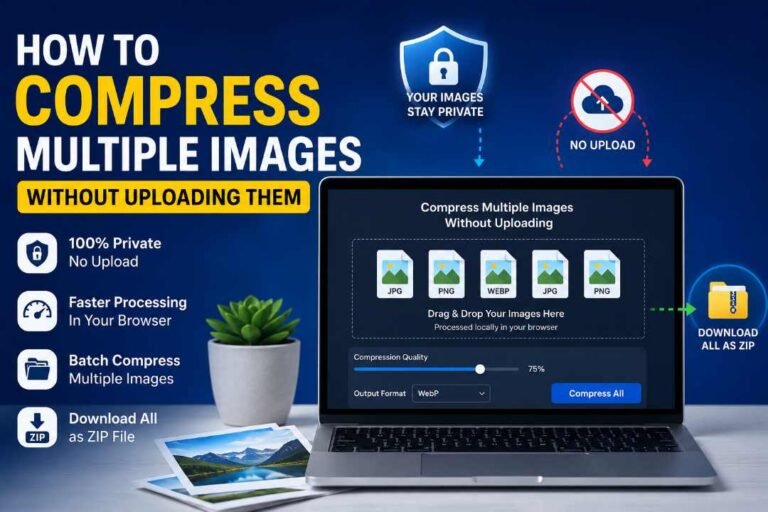
Compressing a folder of images usually means sending every file to an online server, waiting for processing, and downloading the results again.…
Read guide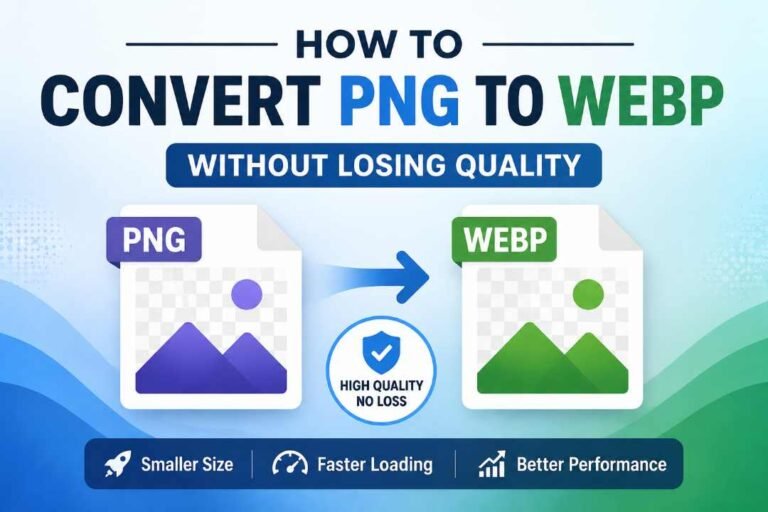
Images play an important role in websites, blogs, online stores, and digital projects. However, large image files can slow down pages, increase…
Read guide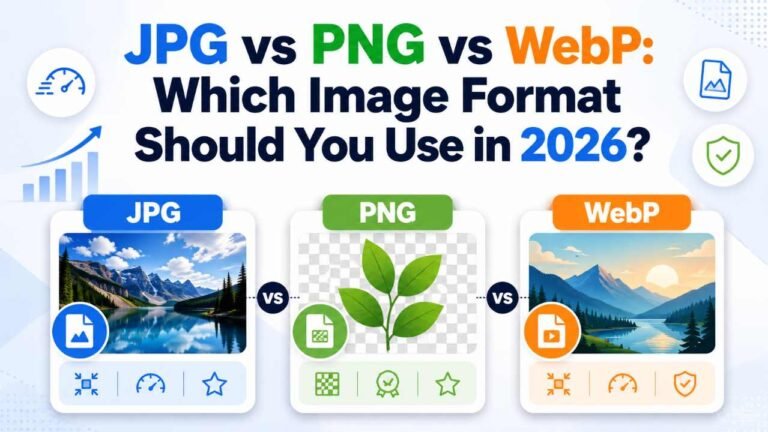
Choosing an image format sounds simple until you need to balance quality, file size, transparency, compatibility, and website speed. A photograph may…
Read guide
Knowing how to create a professional invoice online for free is useful for freelancers, consultants, agencies, service providers, online sellers, and small…
Read guide
Buying a domain name looks simple, but choosing the wrong domain can create problems later. A domain may look clean from the…
Read guide
If you’ve ever gone hunting for expired domains or tried to clean up a massive backlink list, you already know the pain…
Read guideOpen any tool from the homepage, complete the main task, and follow the related recommendations when another utility can help.
Yes. The tools listed on this homepage can be opened and used without creating an account.
The interfaces are designed to adapt to mobile, tablet and desktop screen sizes, although large data tables and invoice previews are most comfortable on wider screens.
The image converter and bulk compressor can support faster publishing workflows by helping you prepare smaller, web-friendly image files.
Use the WHOIS Lookup for public registration details and the Domain Age Checker for creation, expiry and age information.
Yes. The website publishes practical content about SEO, WordPress, blogging, image workflows and online business tasks.
No complicated setup. Start with the utility you need and continue through related workflows.